

Bookmarks, notes and finding a surah
Bookmark surahs and ayahs into your own categories, keep notes on the Qur'an, and find a surah quickly.
Bookmark with categories
In the Qur'an index, tap ⋮ on a surah, juz or page and choose Add bookmark. In the reader, use Add to bookmark in an ayah's actions, or the bookmark button in the ayah sheet.
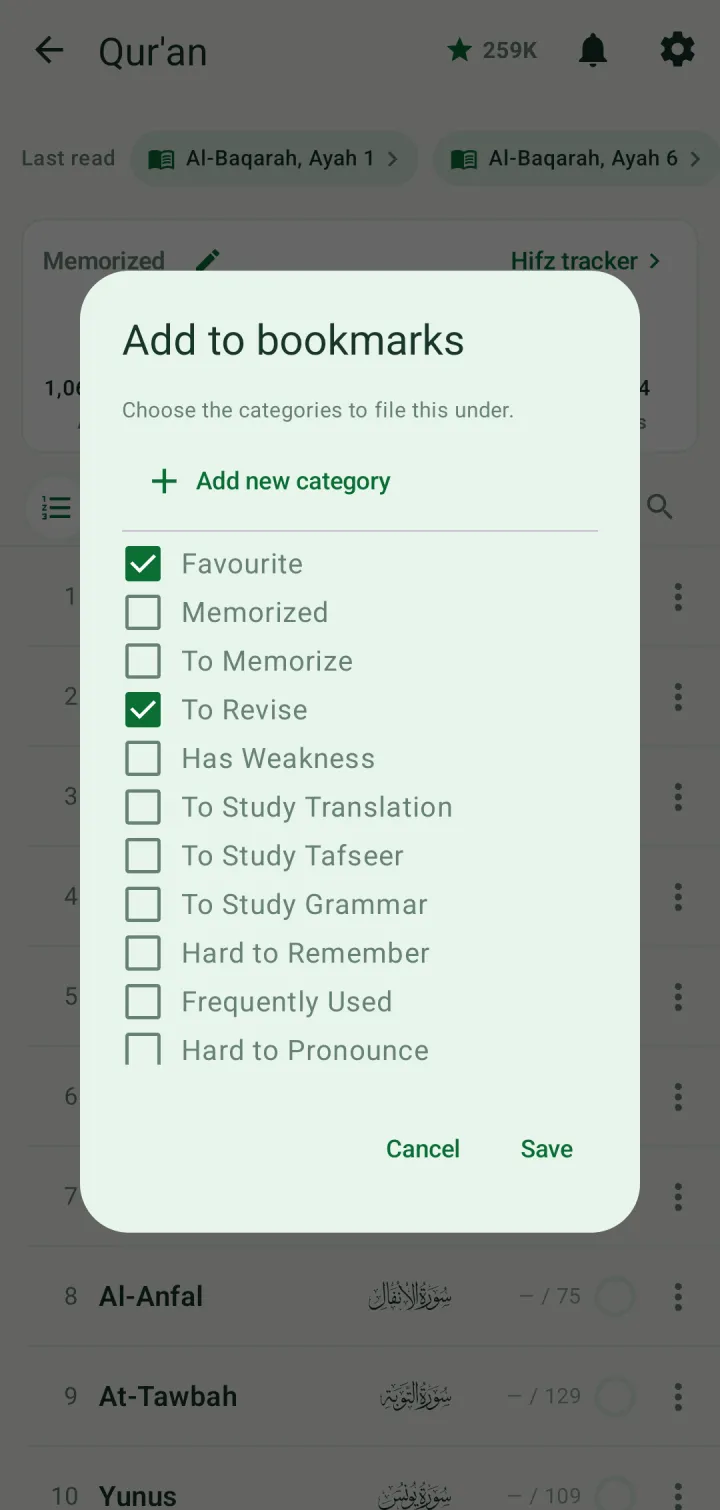
Choose one or more categories — Favourite, To Memorize, To Revise, Has Weakness, Hard to Pronounce and more — or tap Add new category to make your own. Tap Save.
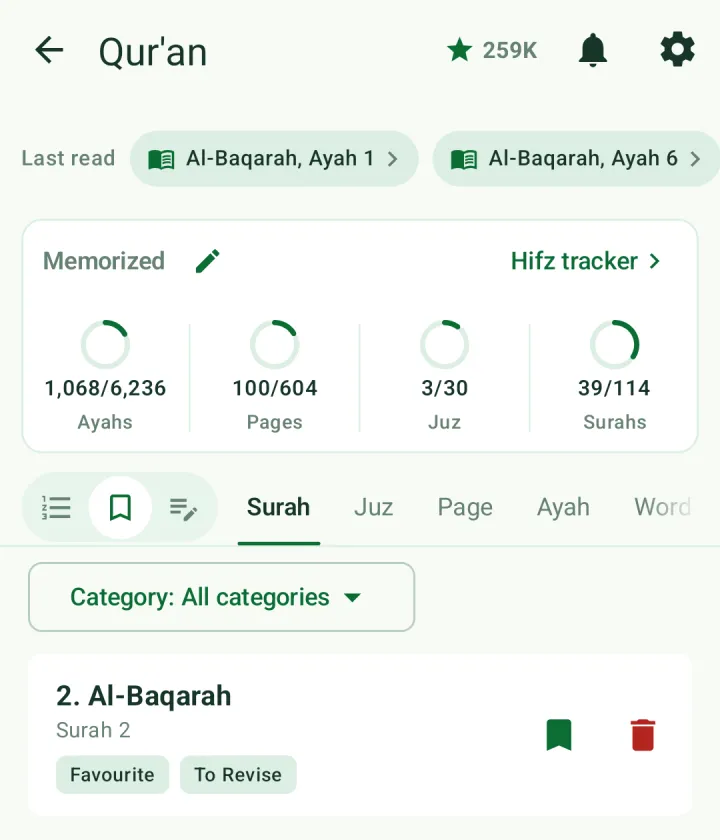
Tap the bookmark icon beside the index icon to see your bookmarks by surah, juz, page, ayah or word. Filter them with Category, and remove one with its delete button.
Notes
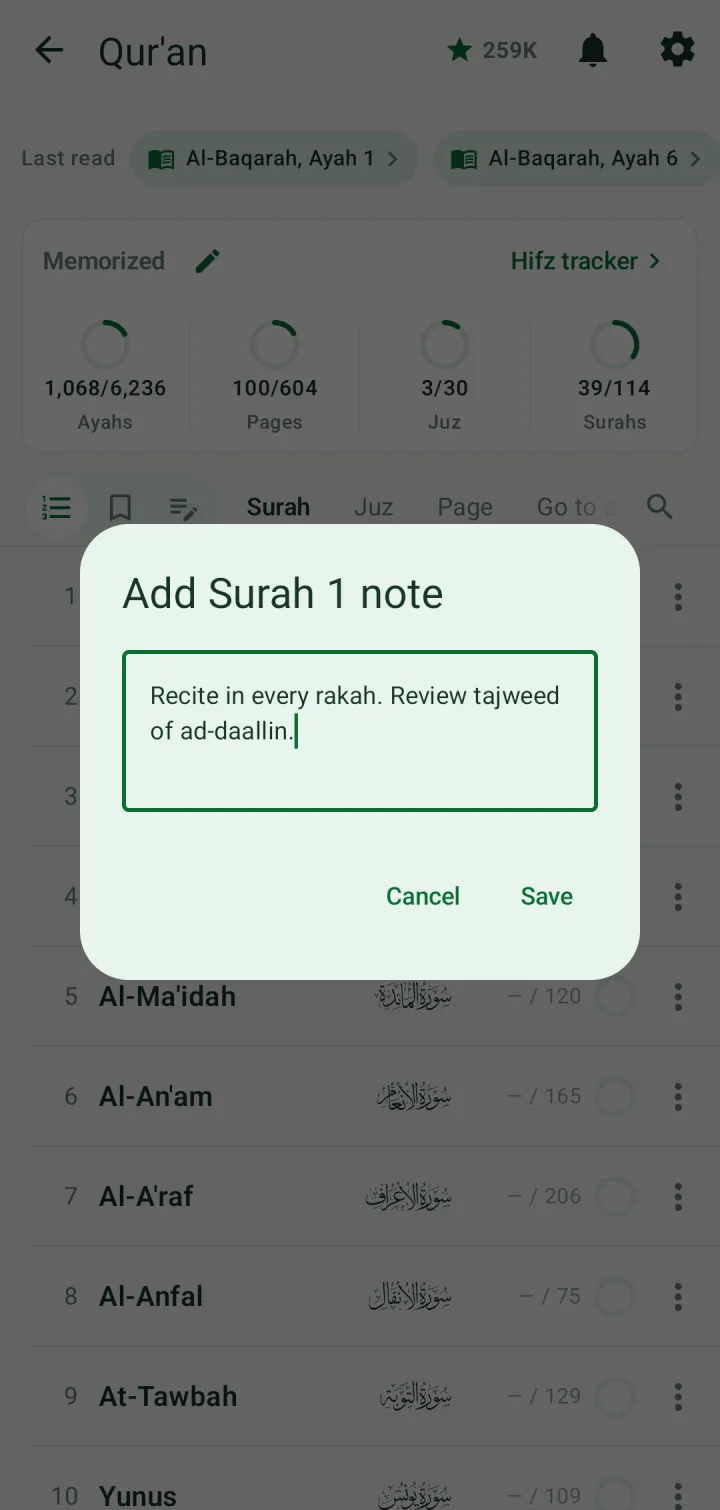
Tap ⋮ on a row and choose Add note, or use Add notes in an ayah's actions. Write your note and tap Save.
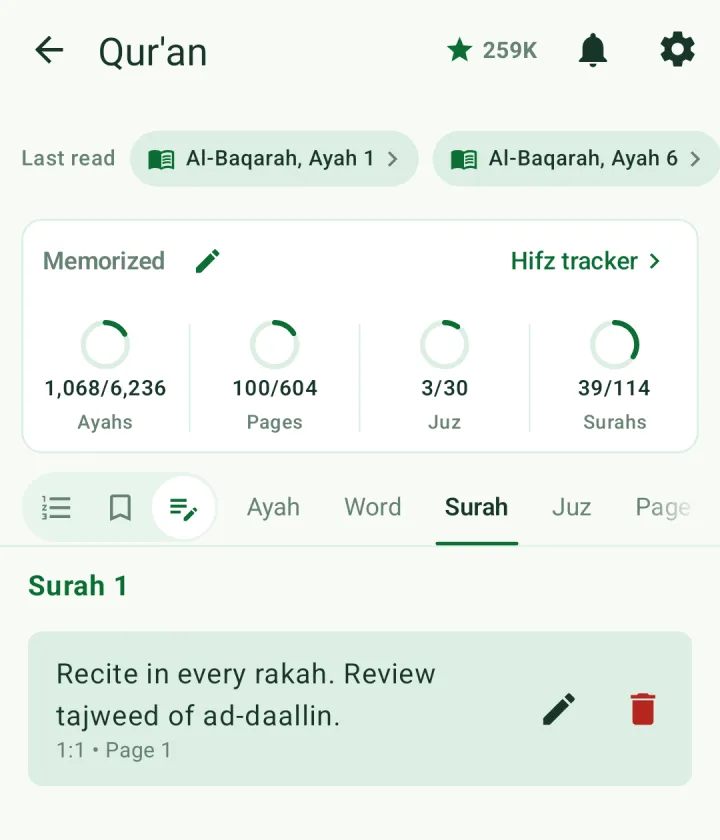
The notes icon lists every note by ayah, word, surah, juz or page, with buttons to edit or delete. Ayahs and words with a note are marked in the reader, and the Note tab in the ayah sheet shows a badge.
Find a surah
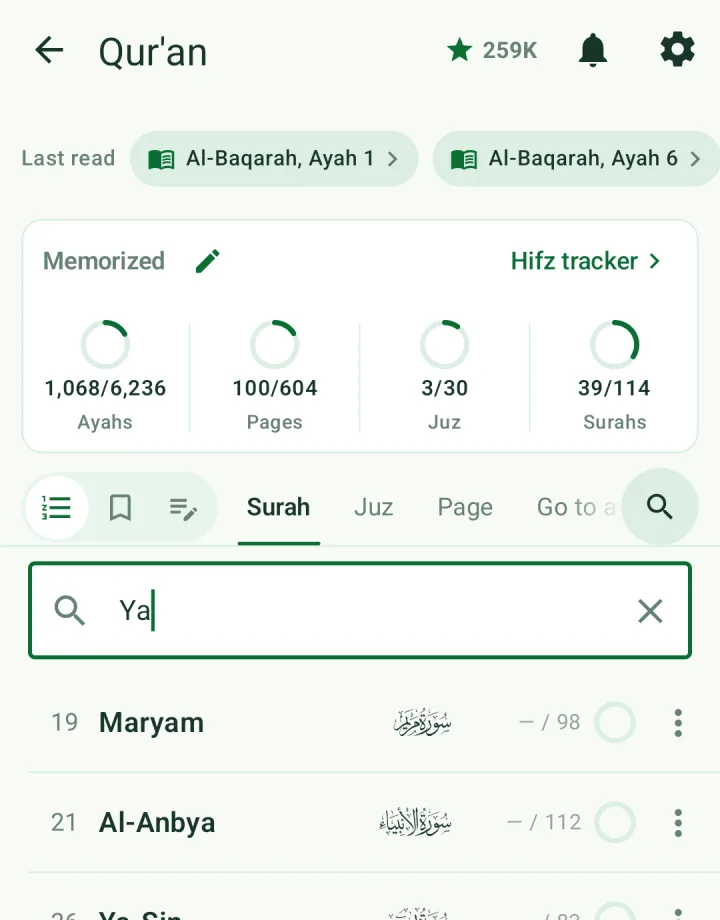
In the index, tap the search icon and type part of a surah's name. The list narrows as you type. To jump to a particular ayah, use Go to ayah.
Dua bookmarks are kept separately: tap the bookmark icon on a dua, and find it again under Bookmarked duas in the Dua Library.