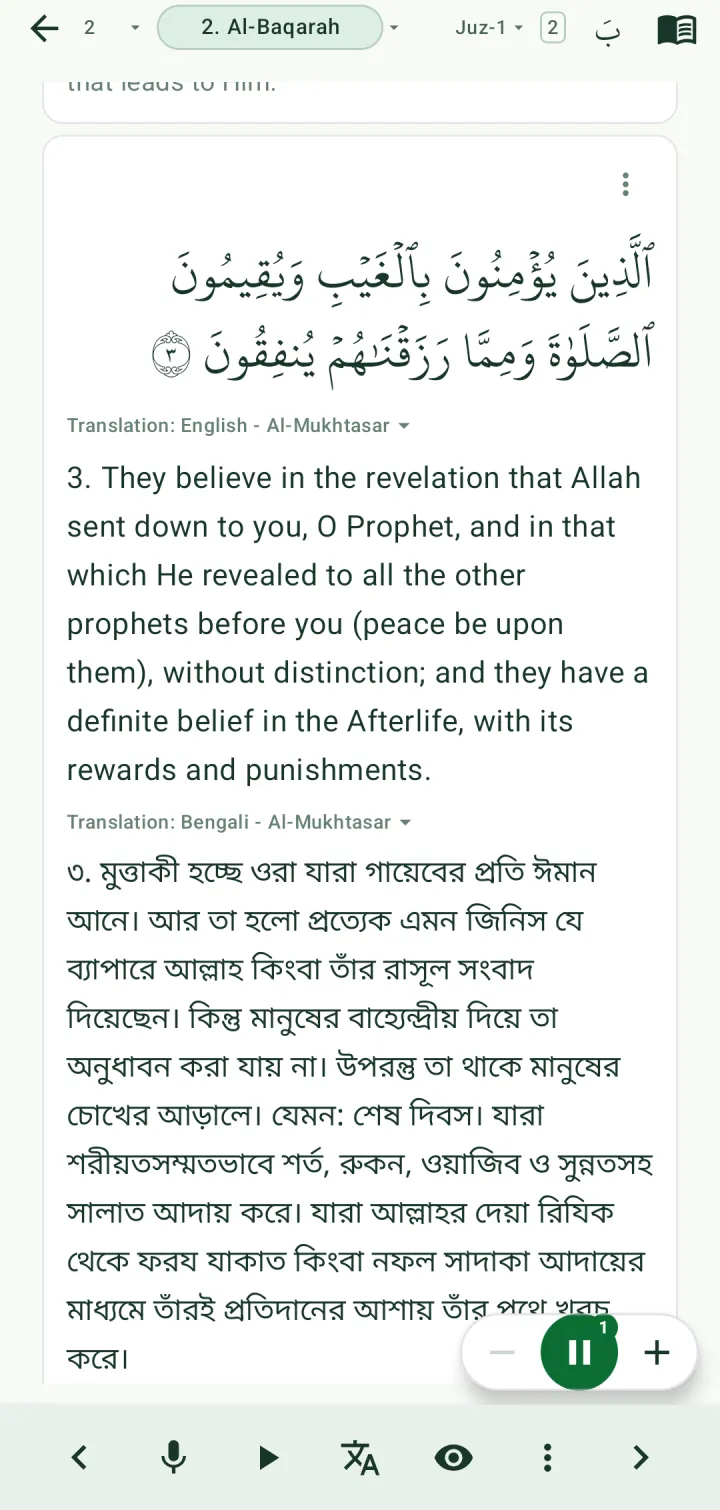
Listen, recite and practise
Play recitation from dozens of reciters, repeat an ayah or a range, recite along with the app following you, and test yourself with the words hidden.
Play recitation
Tap the play button in the bottom bar. A bar above it shows the reciter and the range being played. Recitation keeps going with the screen locked, and turns the page for you.
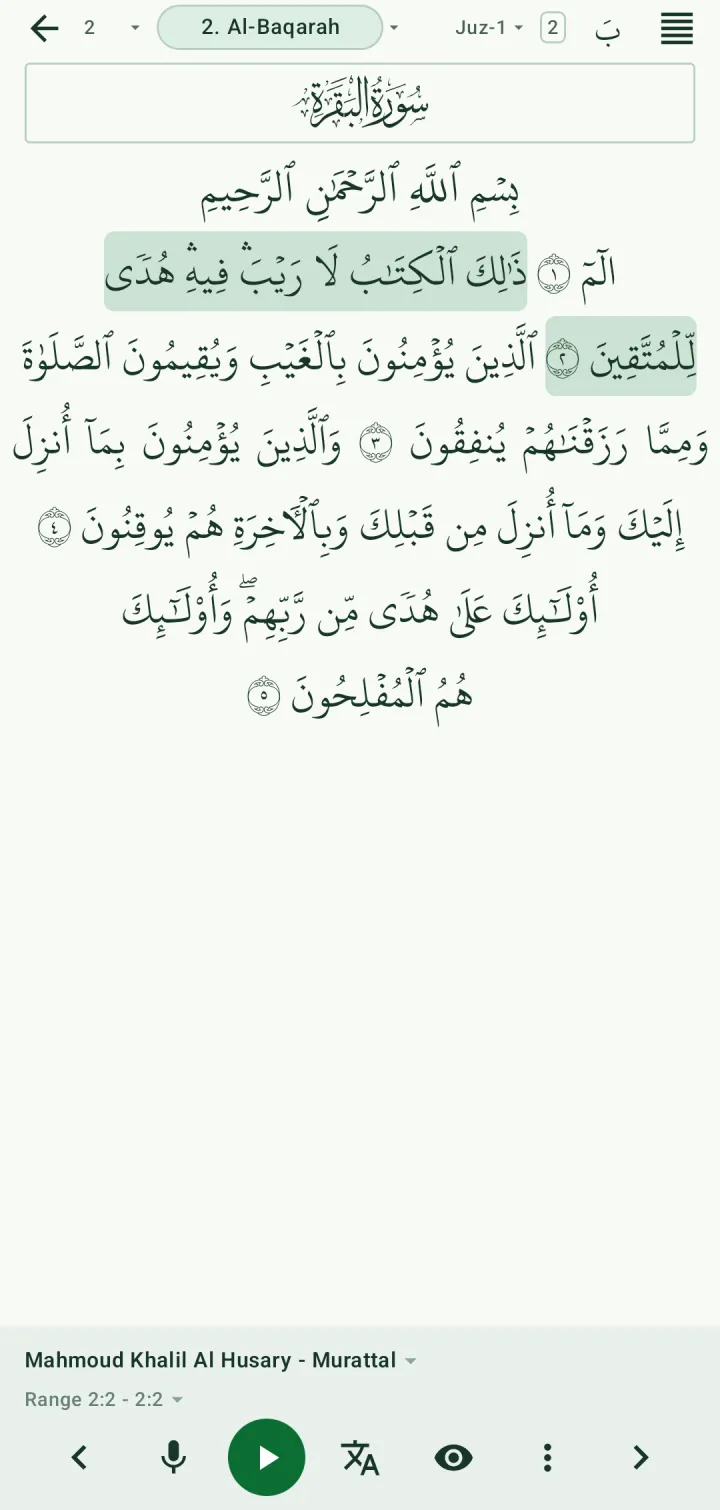
To start from a particular ayah, choose Play from this ayah in that ayah's actions.
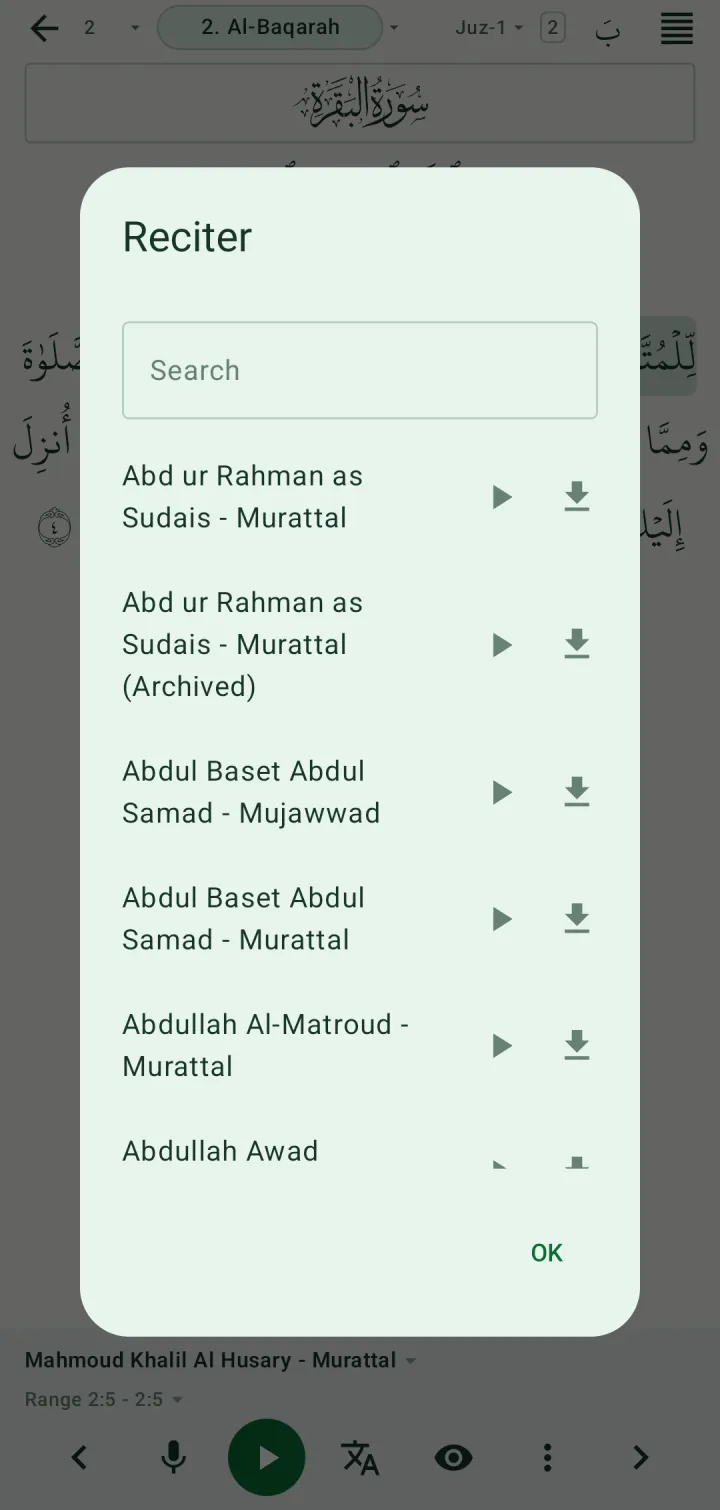
Choose a reciter
Tap the reciter's name to choose from more than 40. Search by name, tap ▶ to hear a sample first, or tap the download icon to keep that reciter's audio offline.
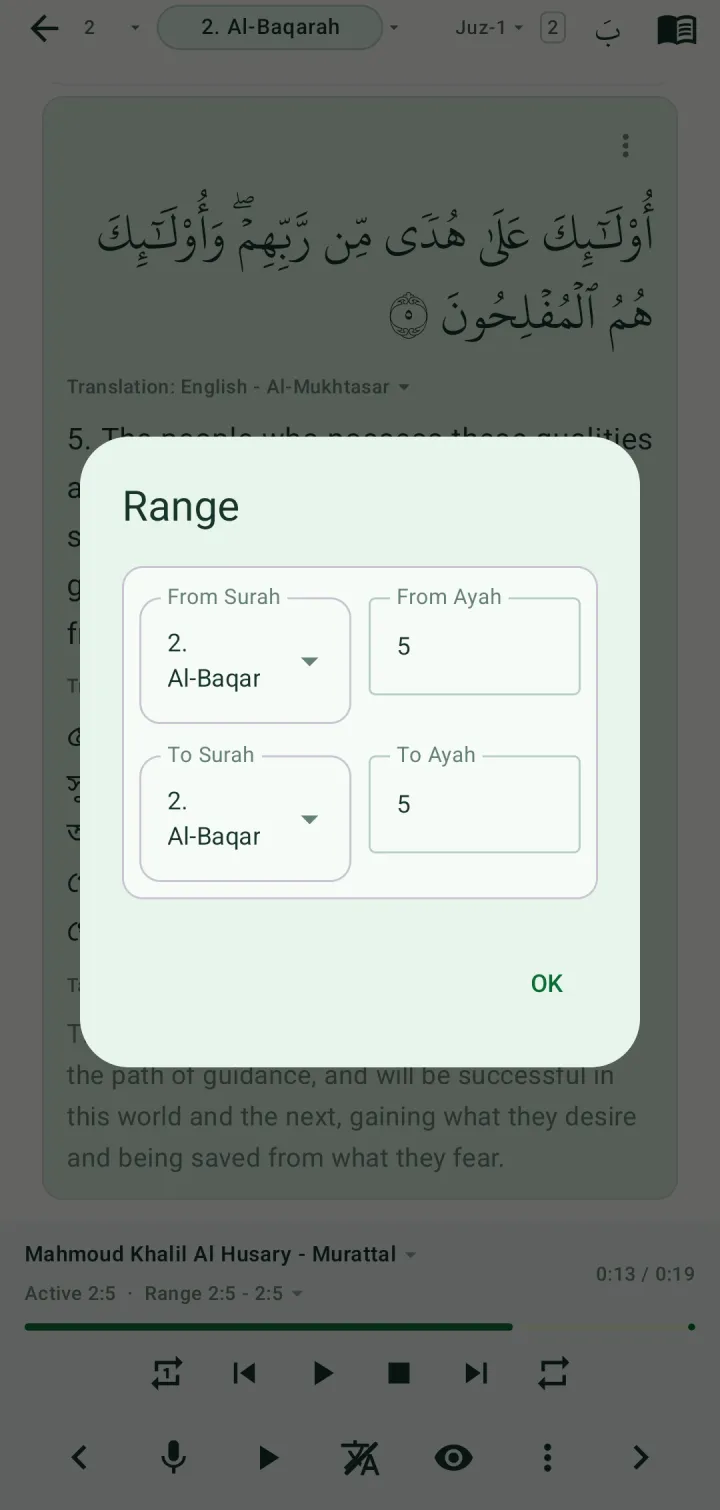
Repeat an ayah or a range
Tap the range under the reciter's name and set From Surah / From Ayah and To Surah / To Ayah. Playback then covers just that stretch.
In Settings → Recitation audio, set Each ayah repeat to hear every ayah several times before moving on, and Range repeat to go through the whole range again.
Recite and let the app follow you
Tap the microphone in the bottom bar. The first time, the app asks to record audio — tap While using the app.
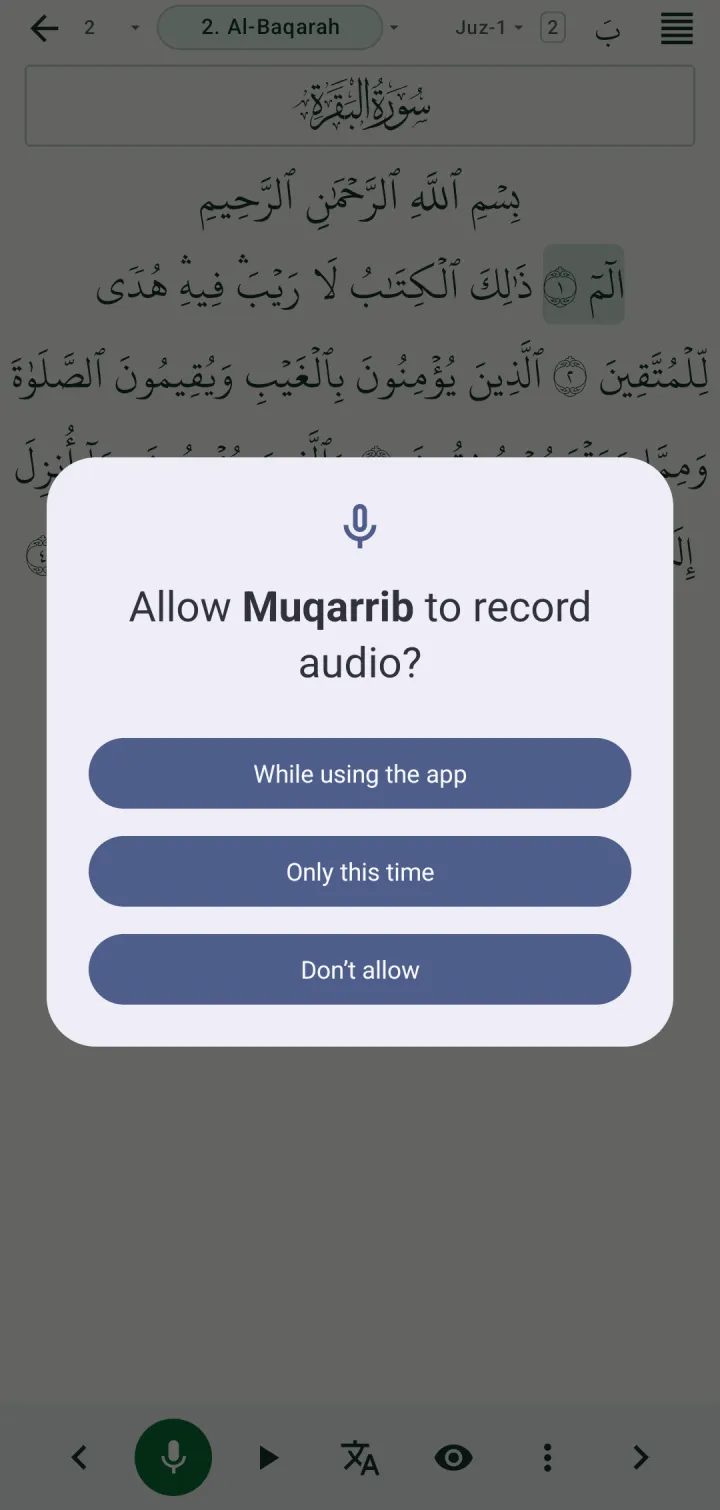
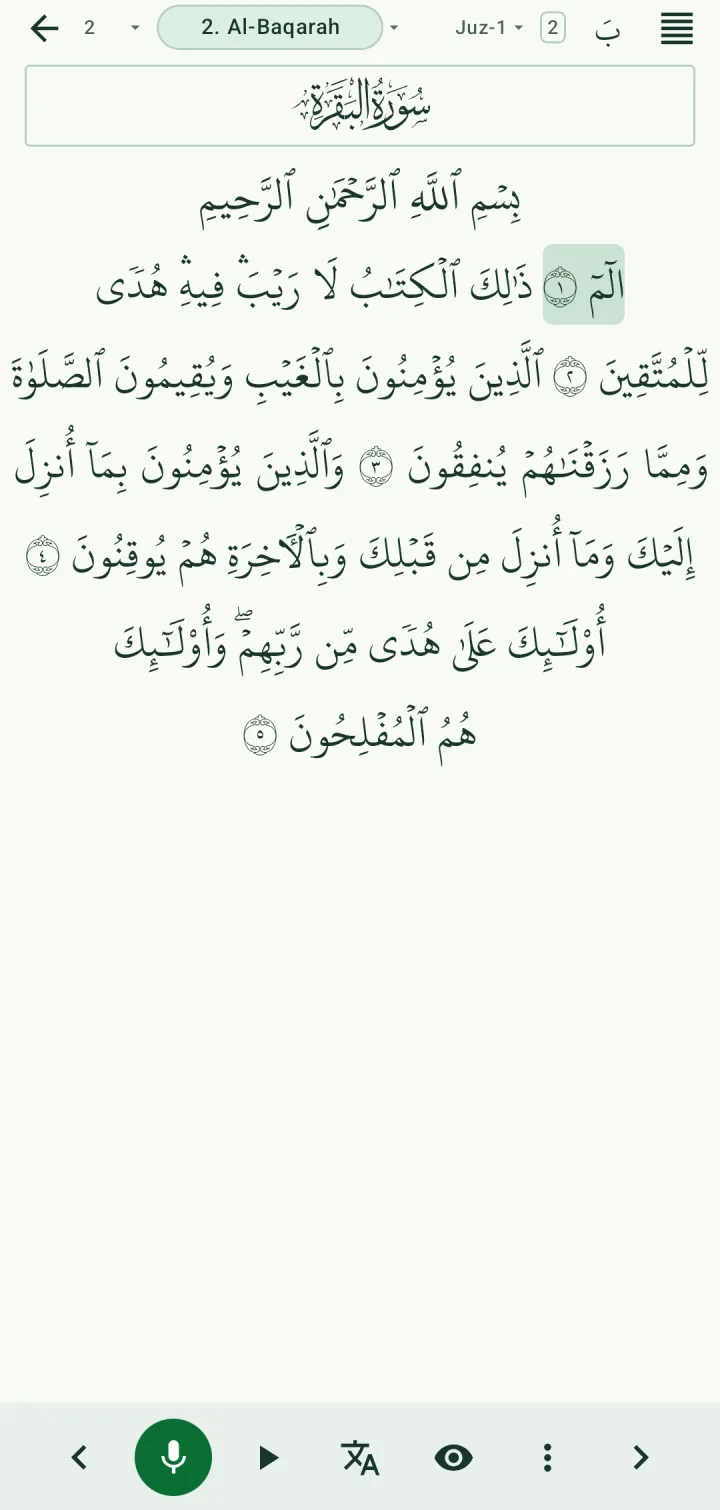
The microphone turns green and the ayah to start from is marked. Start reciting: the words you say are highlighted as you go, and any you skip are marked as missed. Tap the microphone again to stop.
Recitation detection runs on your phone, not online. The first time, the app downloads its files (about 76 MB). Settings → Recitation detection shows when they're ready, and lets you download them again or delete them.
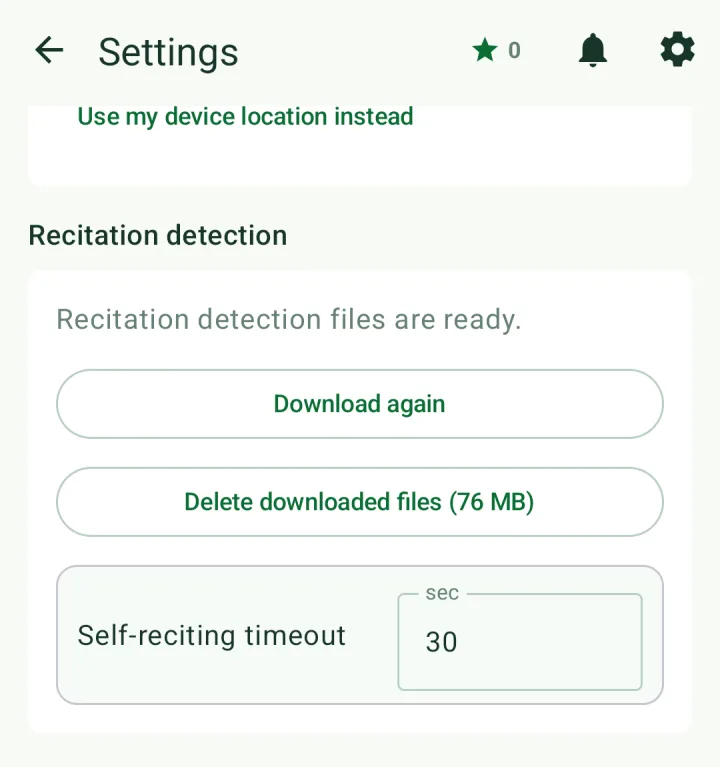
If you pause for longer than the self-reciting timeout (30 seconds by default), listening stops.
Practice mode
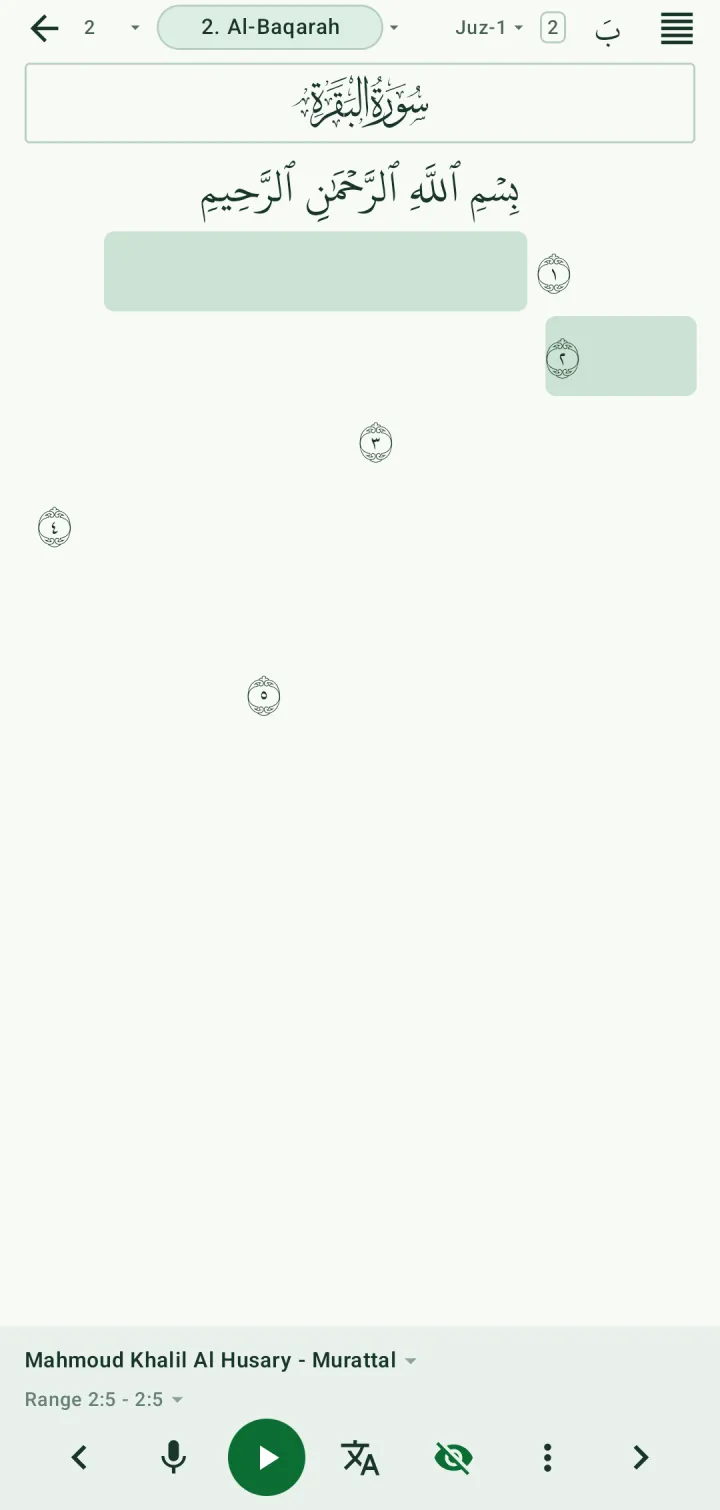
Tap the eye button to hide the words and leave only the ayah markers. Recite from memory, then tap it again to check yourself.
Auto-scroll
In the ayah-with-translation layout, tap ⋮ in the bottom bar and turn on Auto scroll. A floating chip lets you pause, go slower or go faster, and shows the speed. Long-press the menu's auto-scroll control to see every speed.