Family, tasks and challenges
Create a family, add members and children, set tasks and challenges, and see who is ahead on the rank list.
Create your family
Family needs an account — sign in first.
Tap Family on the home screen. Enter a family name and tap Create family.
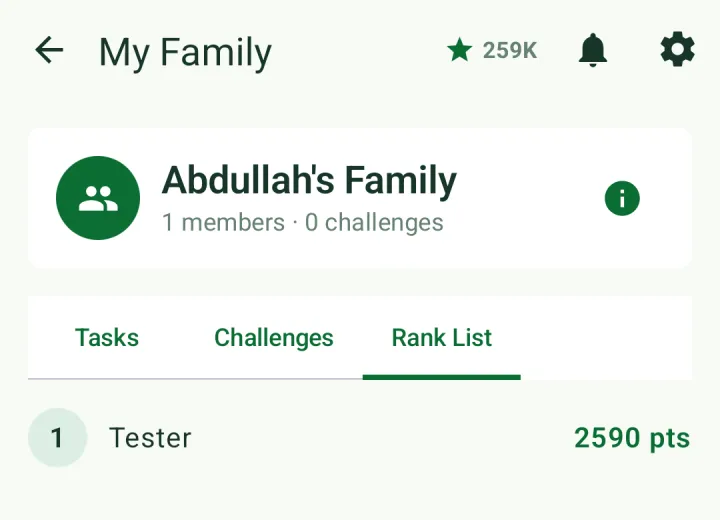
The family screen has three tabs: Tasks, Challenges and Rank List.
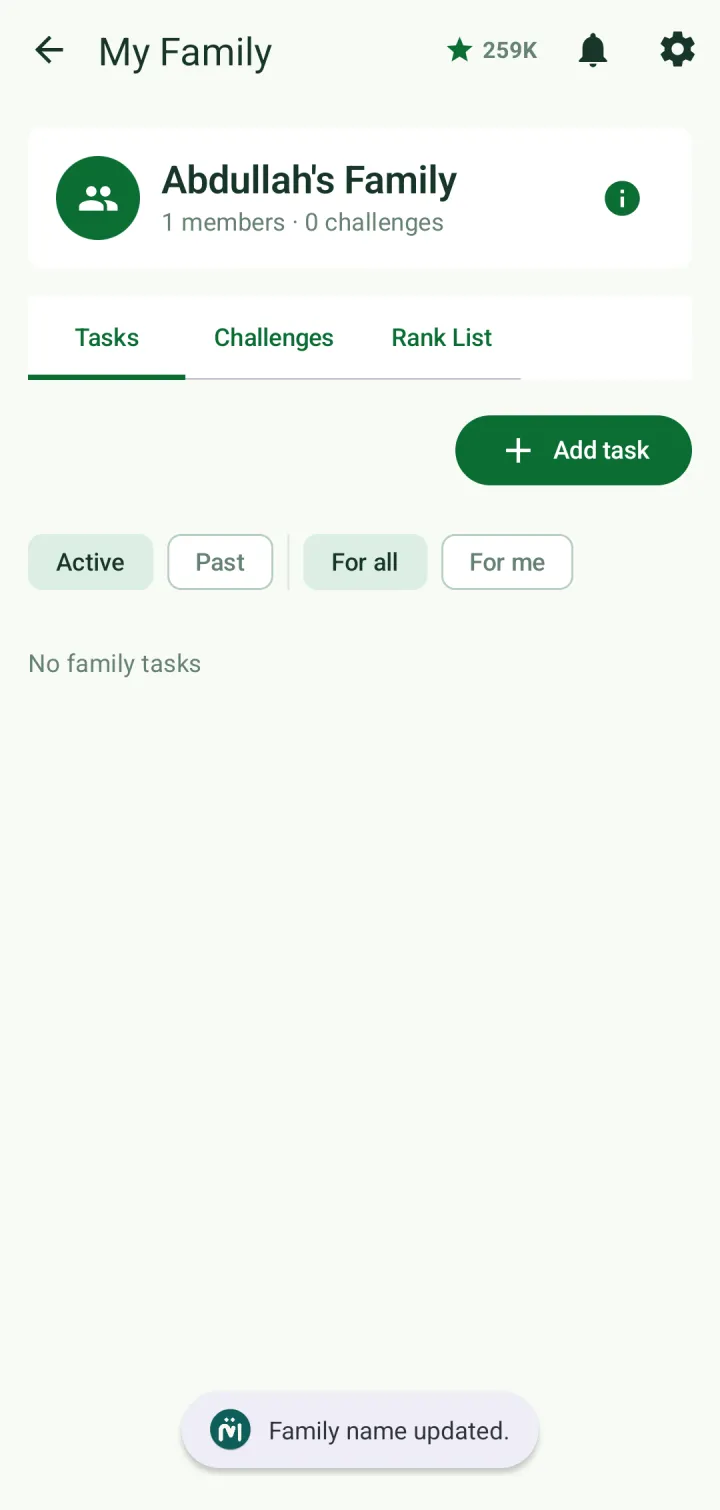
To add people, tap ⓘ beside the family name to open Family details, then tap Add and enter a registered user's username or email.
Tap a member in Family details to see their profile. From there you can add them as your child — a child account can be linked to more than one parent — or remove them from the family.
Set family tasks
On the Tasks tab, tap Add task. A task can be Descriptive (anything, in your own words) or Quran (a range to recite, memorize, revise or listen to).
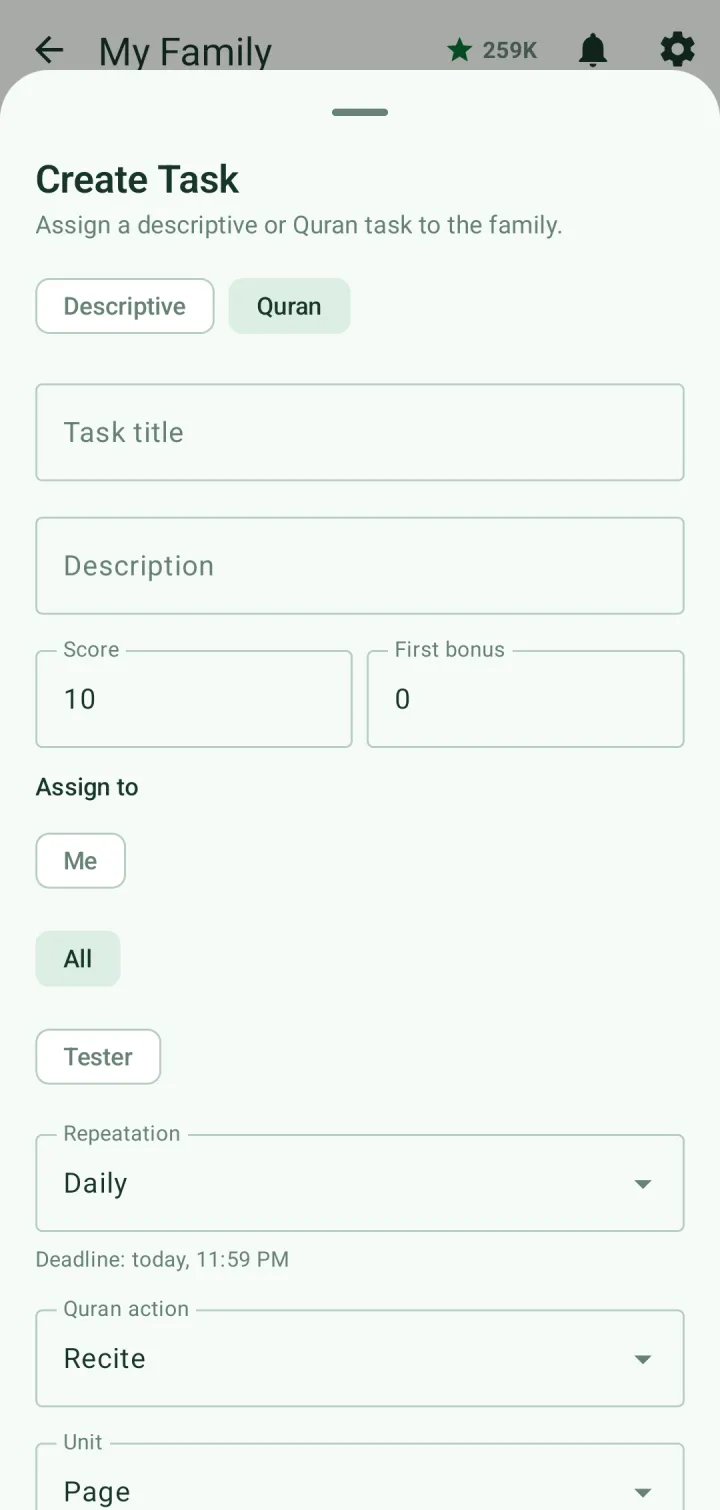
Assign it to yourself, to everyone, or to one member. Set its score and an optional bonus for whoever finishes first, and choose how it repeats: daily, weekly, monthly, yearly or once.
Members mark tasks complete, and points go to whoever finished them. Filter by Active or Past, and by For all or For me.
Challenges and the rank list
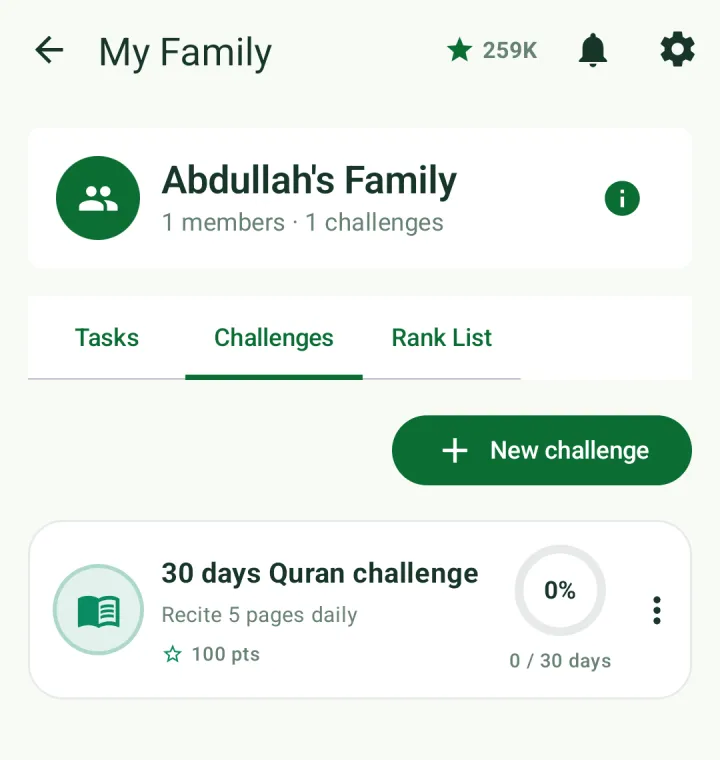
On the Challenges tab, tap New challenge. It works like a personal challenge (see Tasks and challenges), with Set for my family already on and a choice of who it's for. Days that members log on a family challenge are shared with everyone.
The Rank List tab ranks members by the points they have earned.