Dua, Ruqyah and tasbeeh
Browse and search duas, keep your favourites, listen to ruqyah recitations, and count your zikr.
Find a dua
Tap Dua & Ruqyah in Quick access, then Dua. Browse daily duas by category, or tap View all duas by chapter.
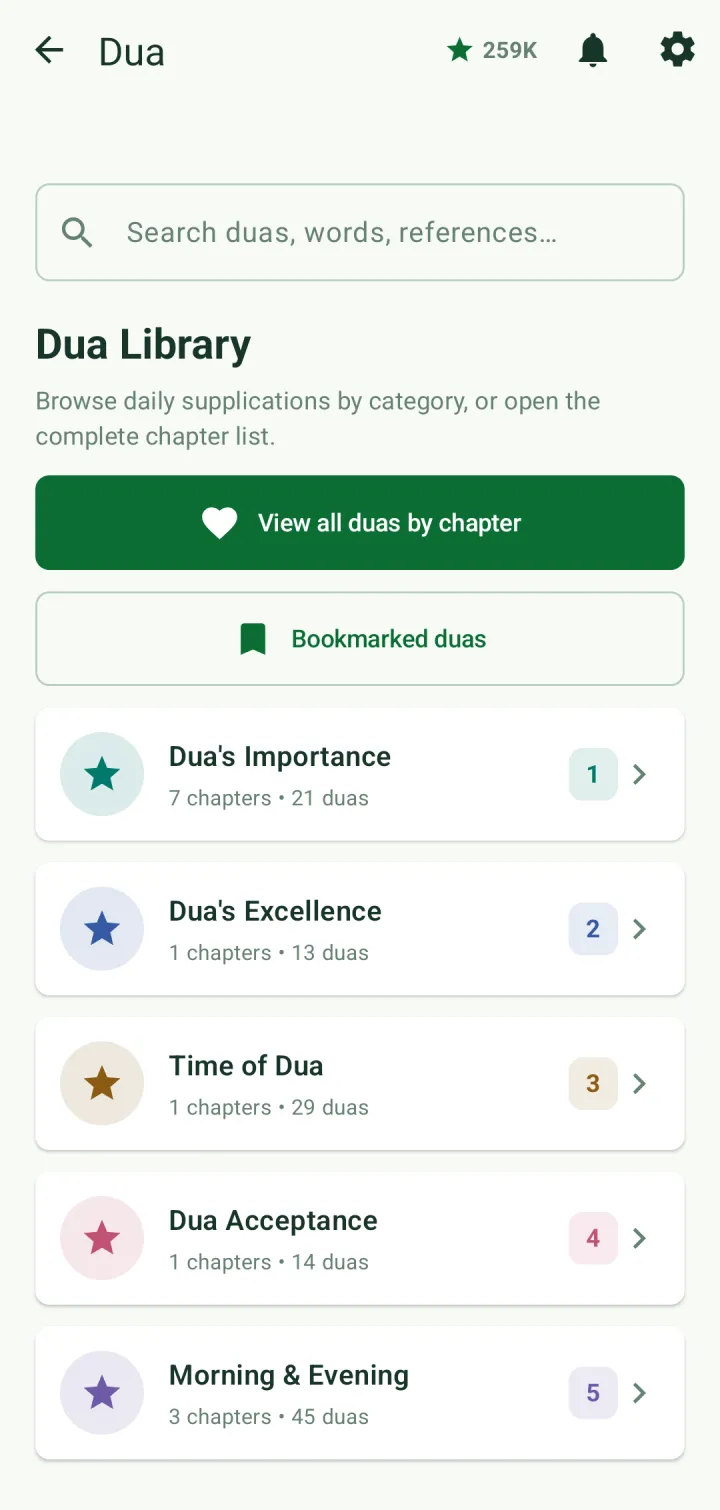
Search by words, by reference, or by the dua's number — in Latin or Bangla numerals.
A dua shows its Arabic, transliteration and translation, with a play button for the audio. The arrows at the top move to the previous or next dua. Longer duas are split into parts, and each part can be played on its own.
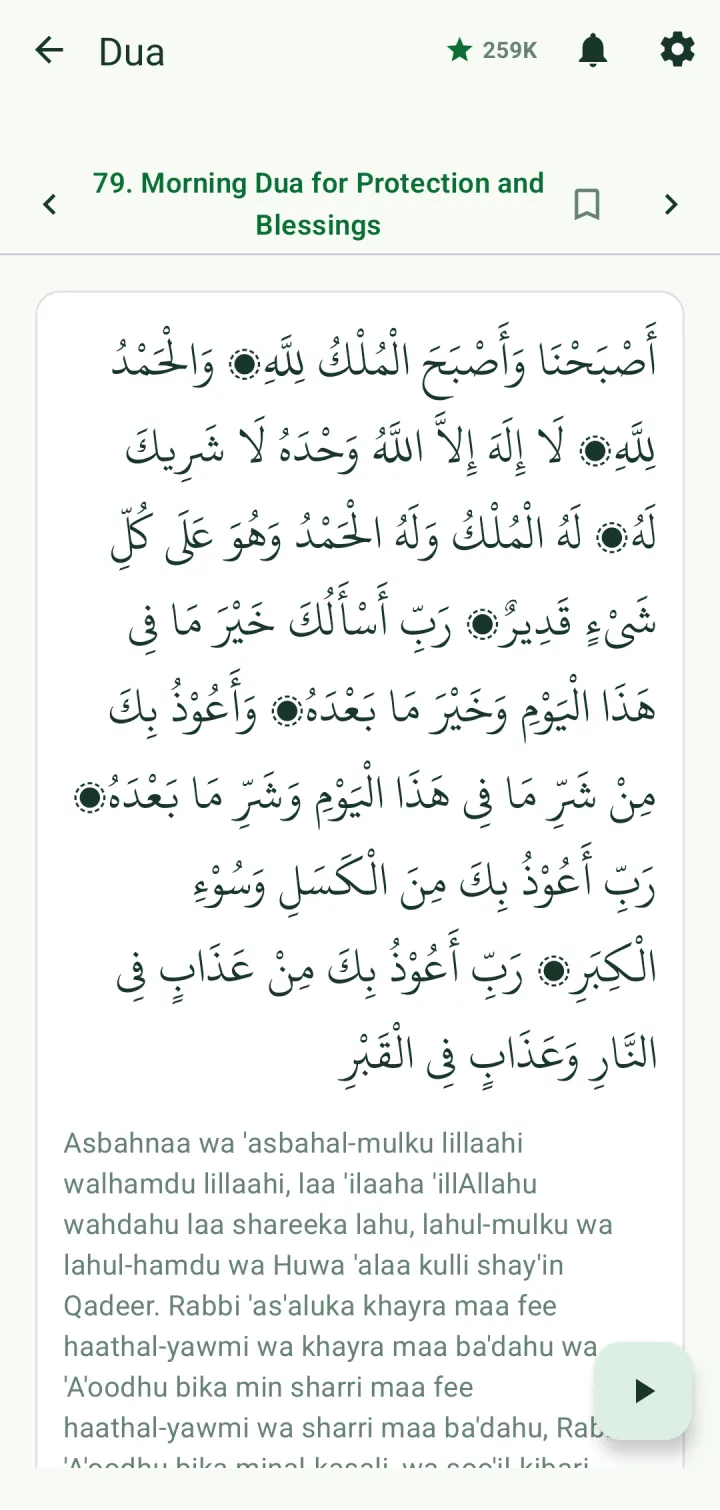
Tap the bookmark icon to save a dua. Your saved duas are under Bookmarked duas, and you can file them into your own categories.
Ruqyah
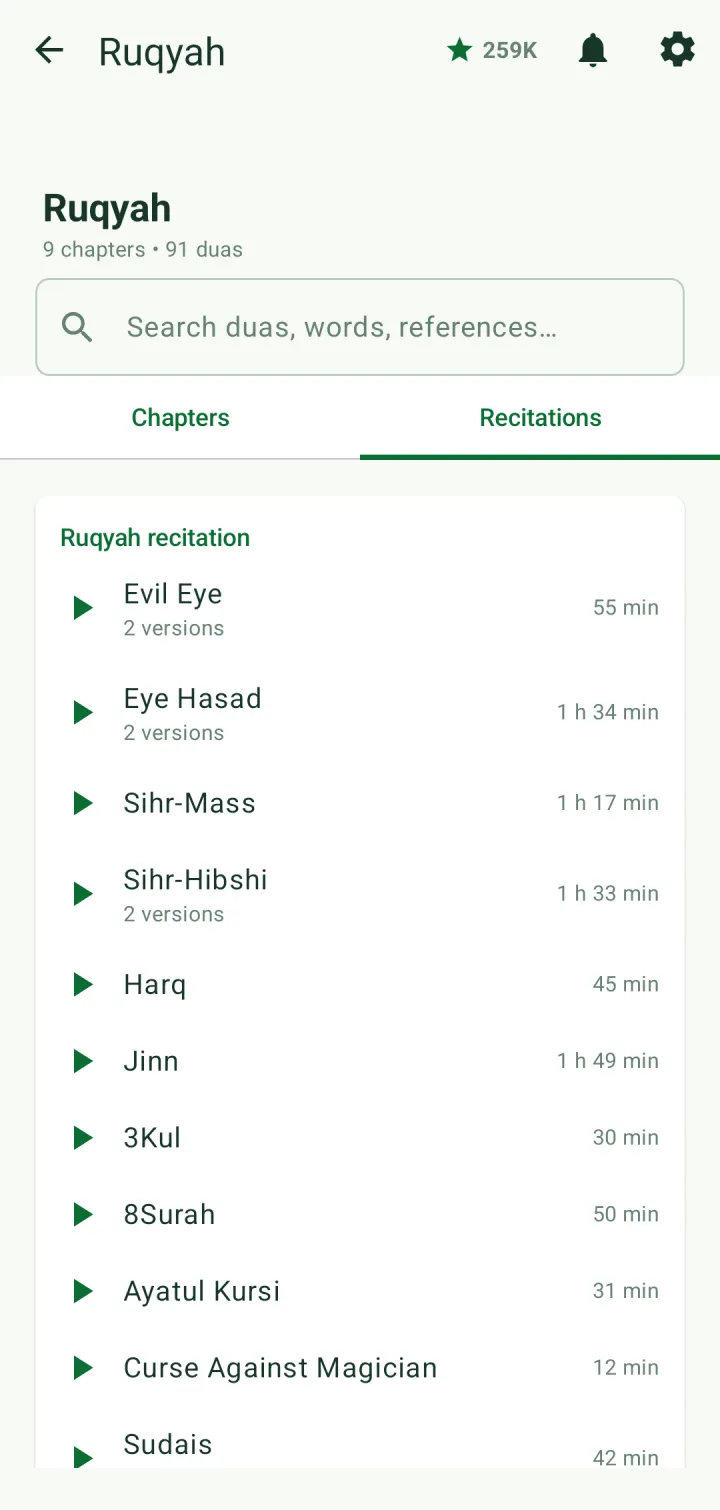
Choose Ruqyah in Dua & Ruqyah. The Chapters tab has the ruqyah duas. The Recitations tab has full recitations to listen to, with their length. Where a recitation comes in more than one version, you choose one and see its download size.
Tasbeeh counter
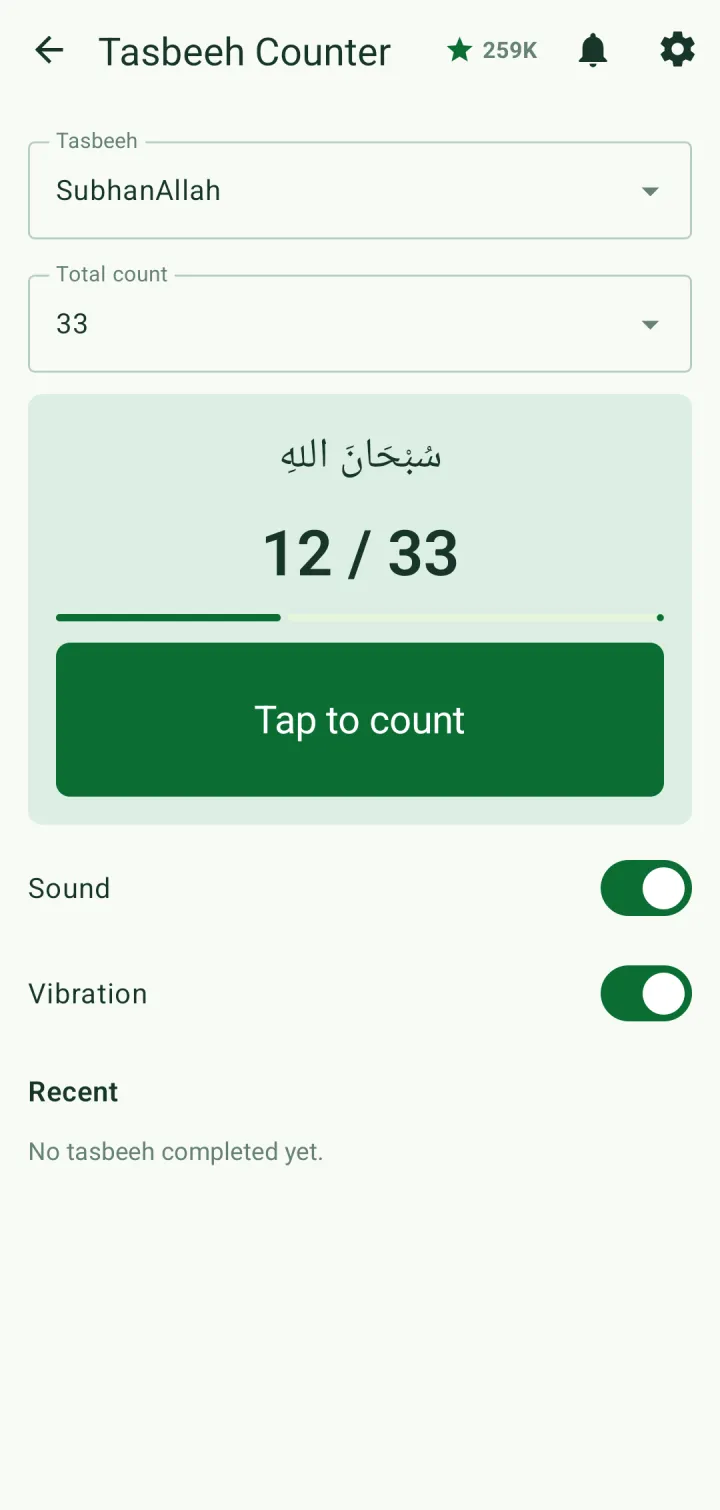
Tap Tasbeeh in Quick access. Choose a dhikr — SubhanAllah, Alhamdulillah, Allahu Akbar, Astaghfirullah and more — and set the total count.
Tap the Tap to count button. Sound and vibration can be switched on or off. When you reach the count, the app congratulates you and adds it to Recent.